The NVMe Ghost in the Machine: A Raspberry Pi 5 Kernel Survival Guide
A routine OS upgrade should not severely break fundamentally stable hardware. But that's exactly what happened when the 6.12 kernel update arrived.

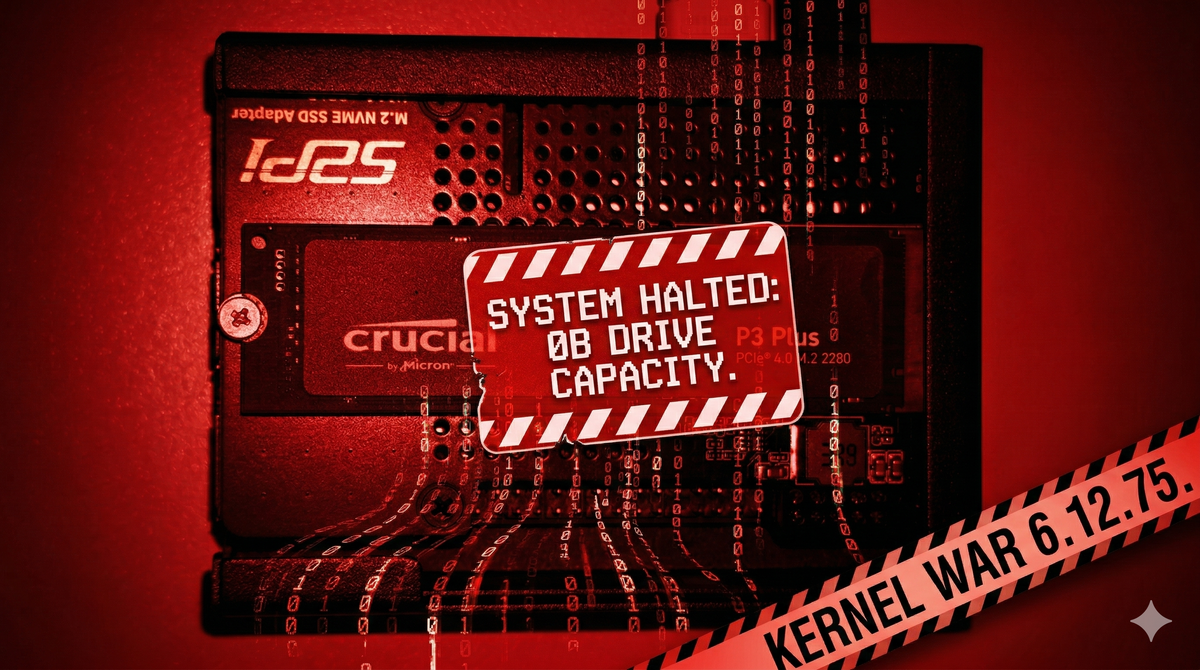
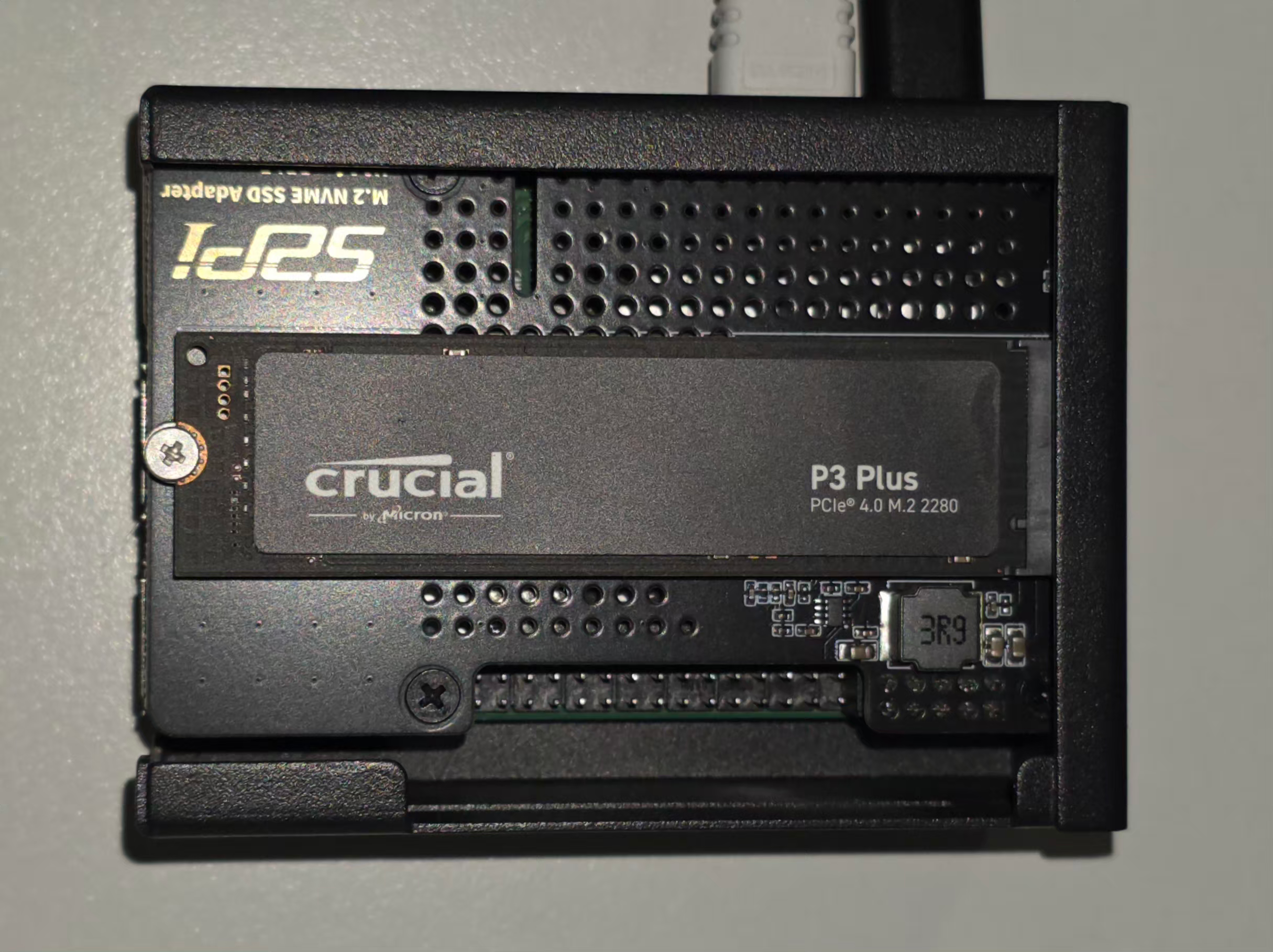
In the world of decentralized tech and AI-driven livestreams, my Raspberry Pi 5 is my Bot Nest — and not just a single-board computer. This physical sanctuary houses Gerard, Mr. Botoshi, Dark Gerard, and Isabella — the bots powering my Morning Crypto show.
To keep their data secure, the Nest relies on a Crucial P3 Plus 1TB NVMe behind LUKS encryption. It worked flawlessly for over a year. Let's be clear: a routine OS upgrade should not severely break fundamentally stable hardware. But that's exactly what happened when the 6.12 kernel update arrived.
This wasn't a minor bug. It was a hardware-software collision that nearly turned the Nest into a graveyard. This guide is for damage control. If you recently updated your Pi 5 and found your encrypted partitions missing or your NVMe reporting a 0B (Zero Bytes) capacity, this is your reality check. If I had known, I never would have run that update.
The Siege: When 931GB Becomes Zero
The trouble started with a standard apt upgrade and apt dist-upgrade to Kernel 6.12.75+rpt-rpi-2712. On the surface, everything seemed fine. The Pi booted and the terminal blinked. But when I ran my script to manually unlock the Nest, the abyss stared back.
Device /dev/nvme0n1 is not a valid LUKS device.
My first thought was corruption. My second was hardware failure. The reality was more insidious. The new kernel’s aggressive power management forced the PCIe bus into a deep sleep it couldn't wake from. The moment the OS tried to read the LUKS header, the NVMe controller panicked, crashed, and reported a size of 0B.
The bots were trapped in a drive that effectively ceased to exist. A quick check of the Raspberry Pi forums and GitHub confirmed I wasn't the only casualty. The 6.12 update was leaving a trail of unresponsive NVMe drives.
Phase 1: The Diagnostics of a Dying Link
We began the counter-offensive. In this situation, your first tool is lsblk. It revealed the nightmare:
nvme0n1     259:0    0     0B  0 disk
└─nest      254:0    0 931.5G  0 crypt
The kernel recognized the drive, but only as an empty void. Digging into the kernel ring buffer with dmesg, the hardware was screaming for help:
[  101.363888] nvme nvme0: controller is down; will reset: CSTS=0xffffffff
[  101.363895] nvme nvme0: Does your device have a faulty power saving mode enabled?
[  101.427917] nvme nvme0: Disabling device after reset failure: -19
This was a Reset Failure -19. The 6.12 kernel effectively gaslit the Crucial P3 Plus. We tried the standard fixes — disabling ASPM (Active State Power Management) and forcing PCIe Gen 2 speeds in config.txt and cmdline.txt.
The Attempted Band-Aid:
We added these to /boot/firmware/cmdline.txt:
pcie_aspm=off nvme_core.default_ps_max_latency_us=0
And this to /boot/firmware/config.txt:
dtparam=pciex1_gen=2
It stabilized the drive back to 931GB, but mounting and reading data spawned a tidal wave of I/O errors. While disabling ASPM prevented the initial sleep-state crash, the 6.12 NVMe driver still failed under actual load. The kernel module wasn't ready for this hardware combo.
$ dmesg | tail -n 20

               nvme0n1: rw=145409, sector=32768, nr_sectors = 8 limit=0

[  197.998591] Buffer I/O error on dev dm-0, logical block 0, lost sync page write

[  197.998596] EXT4-fs (dm-0): I/O error while writing superblock

[  197.998826] node: attempt to access beyond end of device

               nvme0n1: rw=12288, sector=1493270792, nr_sectors = 8 limit=0

[  197.998833] EXT4-fs error (device dm-0): __ext4_find_entry:1645: inode #46661634: comm node: reading directory lblock 0

[  198.009837] dmcrypt_write/2: attempt to access beyond end of device

               nvme0n1: rw=145409, sector=32768, nr_sectors = 8 limit=0
Phase 2: The Tactical Retreat (The Downgrade)
In tech, the most expert move is often admitting a new version isn't ready. We retreated to the last known stable ground: Kernel 6.6.51.
Since Raspberry Pi OS keeps backups during updates, we found the old kernel files in /boot. However, a Pi 5 won't boot them automatically. You must physically move the blueprints back to the firmware partition.
The Command Sequence for Survival:
First, we moved the 6.6 kernel and its RAMdisk into the line of fire:
sudo cp /boot/vmlinuz-6.6.51+rpt-rpi-2712 /boot/firmware/
sudo cp /boot/initrd.img-6.6.51+rpt-rpi-2712 /boot/firmware/
Then — where most people fail — we restored the Device Tree Blob (DTB), the hardware map telling the kernel how to see the Pi 5's PCIe bus.
sudo cp /boot/firmware.bak/bcm2712-rpi-5-b.dtb /boot/firmware/
sudo cp /boot/firmware.bak/overlays/*.dtbo /boot/firmware/overlays/
Finally, we hard-coded the boot instructions into /boot/firmware/config.txt:
[all]
kernel=vmlinuz-6.6.51+rpt-rpi-2712
initramfs initrd.img-6.6.51+rpt-rpi-2712 followkernel
Phase 3: Securing the Perimeter (The Hold)
After a reboot, uname -a confirmed we were back on 6.6.51. The drive stayed alive. The LUKS password worked. Gerard and the team were back online.
But one final threat remained: apt upgrade. Left alone, the system would reinstall the broken 6.12 kernel tomorrow. We put the kernel in a digital straitjacket using apt-mark.
sudo apt-mark hold linux-image-rpi-2712
sudo apt-mark hold linux-headers-rpi-2712
sudo apt-mark hold raspberrypi-kernel
sudo apt-mark hold raspberrypi-bootloader
By "holding" these packages, we order the OS to leave the engine alone. Yes, this halts kernel security patches. But this isn't a permanent freeze; it's a temporary quarantine. We hold the line out of necessity until the 6.12 kernel stabilizes for NVMe drives. Once the community confirms the fix, you can use the cheat sheet at the bottom of this article to undo the lock.
The Reality Check: Lessons from the Nest
What did the 6.12 abyss teach us?
- A routine update shouldn't break a year-long stable build: If your hardware ran perfectly for over a year, a minor kernel shift shouldn't gaslight it into oblivion. The OS failed the hardware, not the other way around.
- The Danger of
apt dist-upgradefor Kernels: Relying on blindapt upgradeanddistro-upgradefor kernel updates is a gamble. While commonly advised, this incident proves it can be fatal to system stability. If you demand reliability, wait for community confirmation before upgrading. Consider usingrpi-updateto target specific, known-good kernel commits rather than lettingaptforce a bleeding-edge shift. - Encryption is brittle during kernel shifts: If the kernel lacks the
dm_cryptmodule exactly when needed, your data is effectively nonexistent until you restore the link. - PCIe Gen 3 is a privilege, not a right: On the Pi 5, Gen 3 speeds are incredible — until they crash. When faced with I/O errors, Gen 2 is your best friend.
- Backups are the only real armor: Without the
firmware.bakfolder, this recovery would have demanded a full OS reinstall.
My Bot Nest is quiet again. The Crucial P3 Plus hums along at 6.6 speeds, keeping the livestream bots safe. If you're fighting this battle, remember: the latest update isn't always the greatest. Sometimes, the most advanced move is staying behind.
Your Call to Action: The "In Case I Forget" Cheat Sheet
Don't wait for your drive to disappear. If you use a manual mount script like I do, add this commented-out safety hatch right now. Your future self will thank you.
# TO UNDO THE KERNEL LOCK:
# sudo apt-mark unhold linux-image-rpi-2712 raspberrypi-kernel linux-headers-rpi-2712 raspberrypi-bootloader
# Remove the 'kernel=' lines in /boot/firmware/config.txt
# sudo rpi-update OR sudo apt update && sudo apt upgrade
Sources and Further Reading
To dive deeper into how this bug affects the community or to track an official fix, read these threads documenting the 6.12 NVMe and PCIe power-management issues:
- GitHub Issue #6484: [RPi5] [rpi-6.12.y]: nvme no worky - The primary bug tracker issue confirming NVMe detection failure on the 6.12 kernel.
- Raspberry Pi Forums: NVMe issues after updating to 6.12 (t=396973) - Community thread discussing storage disappearance following the kernel upgrade.
- Raspberry Pi Forums: PCIe Gen 3 instability on new kernels (t=395256) - Discussion and troubleshooting of I/O errors and forced Gen 2 fallbacks.
- Raspberry Pi Forums: General NVMe unreliability on recent updates (t=367297) - Historical context for NVMe HAT and power management compatibility issues.
Stay decentralized. Stay secure. And for God's sake, check your kernel version before you mount your life's work.
Gerard and Botoshi approved this message.